Sticker Banner

Sticker banner templates

Free TikTok sticker banner templates for 3, 6 or 9 square stickers.
Download a transparent PNG overlay with numbered guides, or start with a blank grid.

Make yours from a photo or video →

Every download is 1920 px wide with a transparent background. Square frames use 7.3% gaps and two-tone outlines so the guides stay visible over light or dark clips. The checkerboard is only the page background; it is not in the PNG.

3-sticker templates
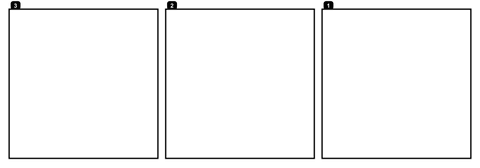
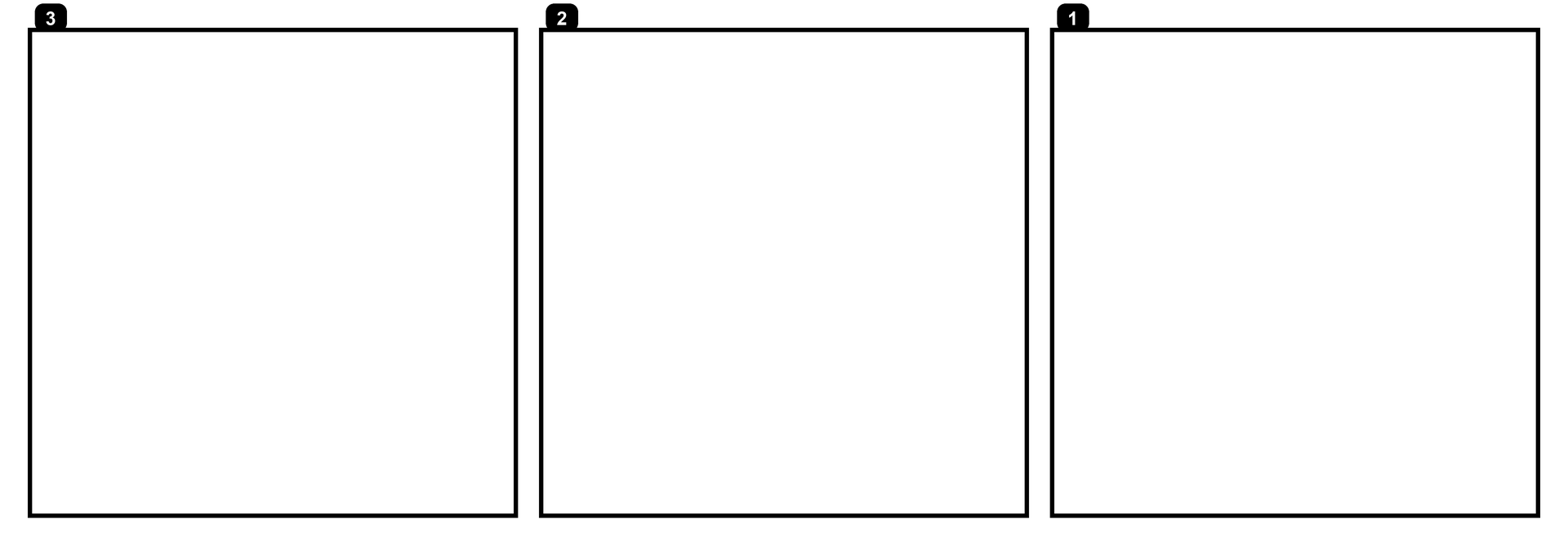
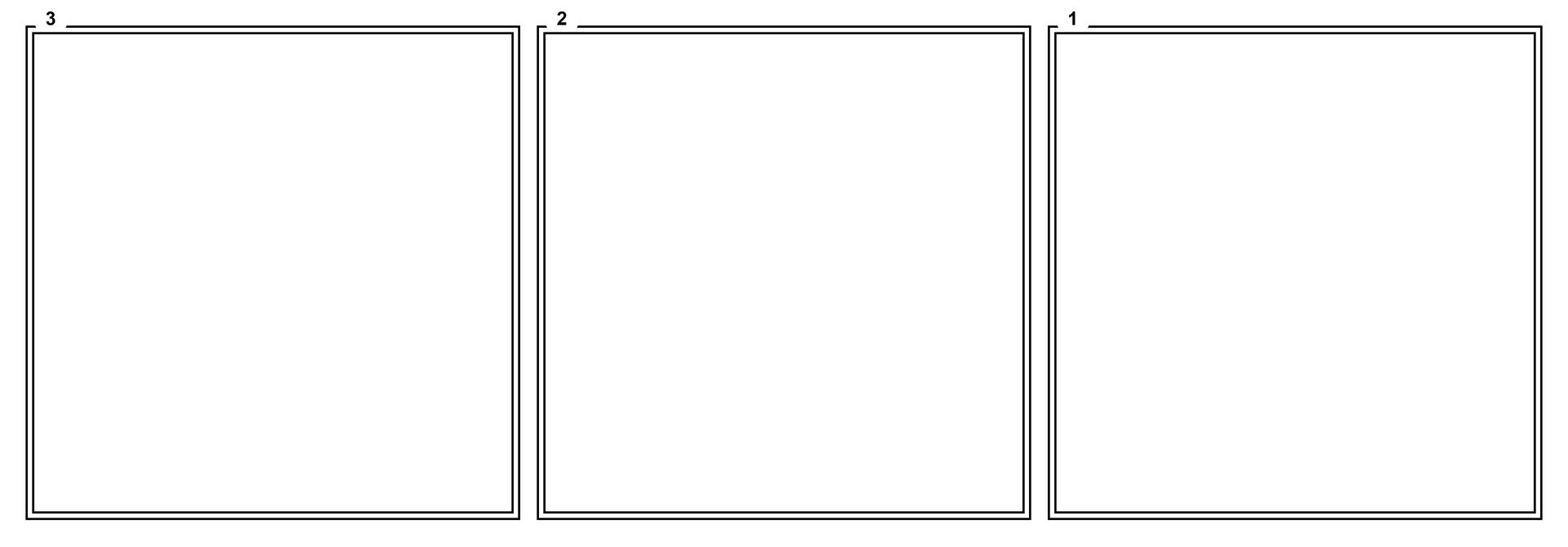
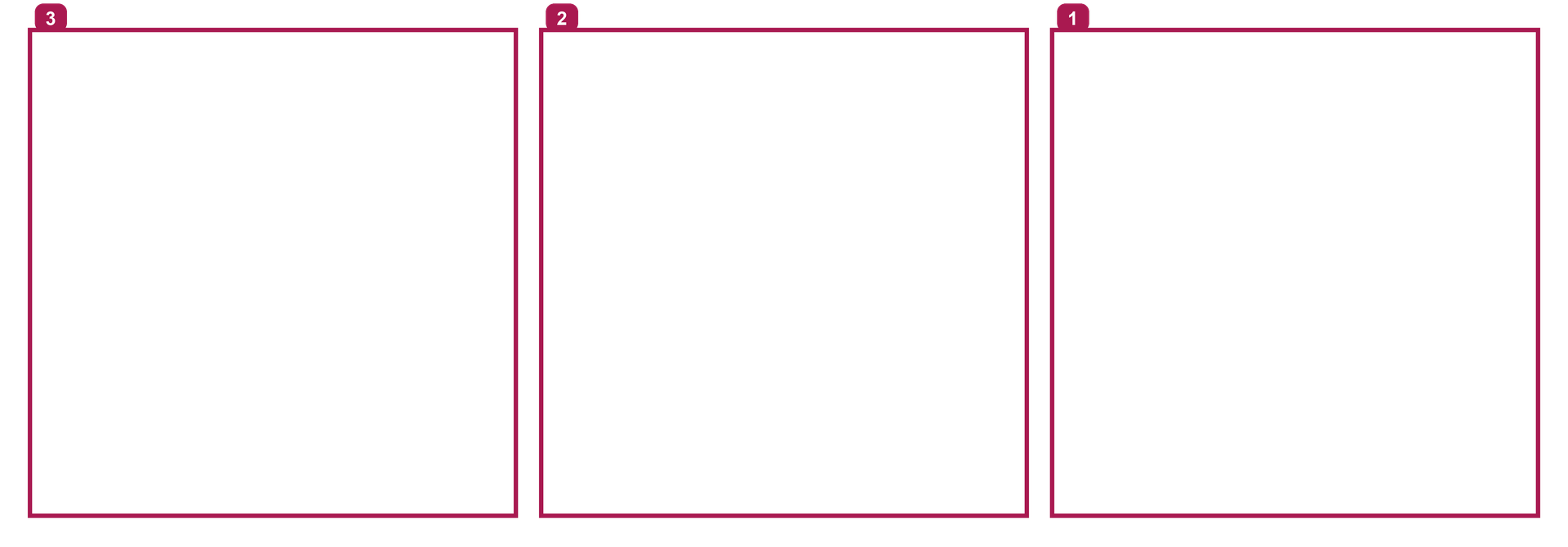
3 stickers · Black · Numbered transparent square frame overlay
3 stickers · Black · NumberedDownload PNG: 3 stickers · Black · Numbered
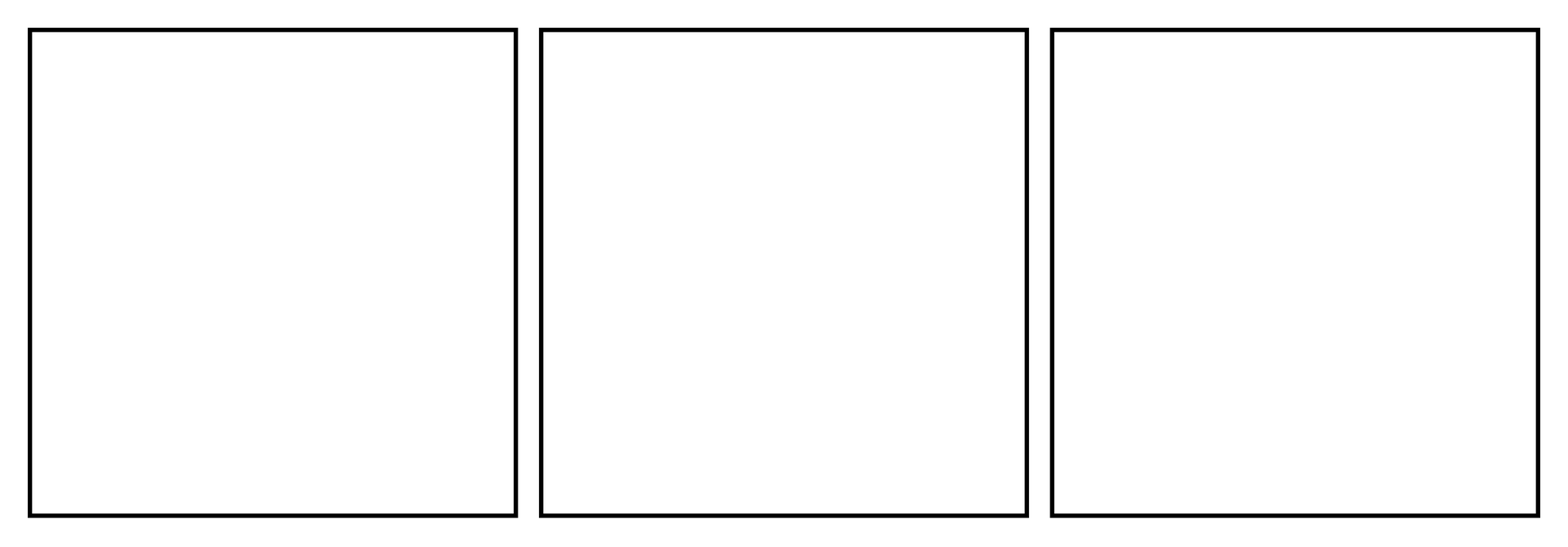
3 stickers · Black · Blank grid transparent square frame overlay
3 stickers · Black · Blank gridDownload PNG: 3 stickers · Black · Blank grid
3 stickers · White · Numbered transparent square frame overlay
3 stickers · White · NumberedDownload PNG: 3 stickers · White · Numbered
3 stickers · White · Blank grid transparent square frame overlay
3 stickers · White · Blank gridDownload PNG: 3 stickers · White · Blank grid
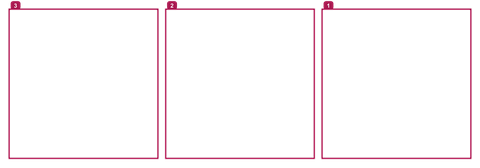
3 stickers · Pink · Numbered transparent square frame overlay
3 stickers · Pink · NumberedDownload PNG: 3 stickers · Pink · Numbered
3 stickers · Pink · Blank grid transparent square frame overlay
3 stickers · Pink · Blank gridDownload PNG: 3 stickers · Pink · Blank grid

6-sticker templates
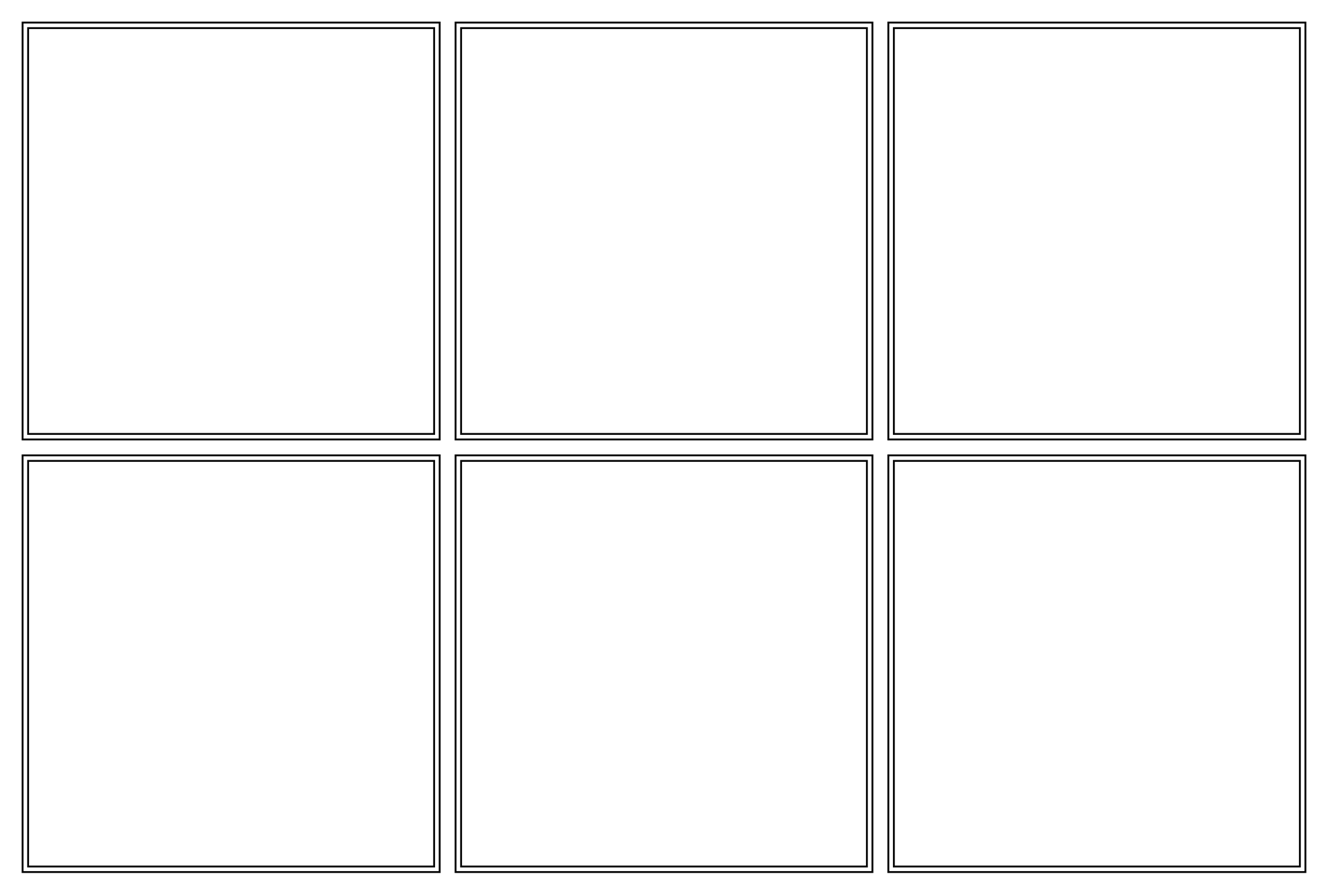
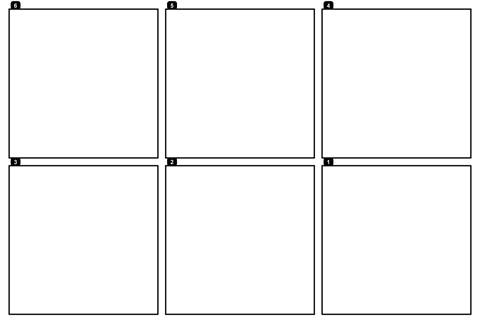
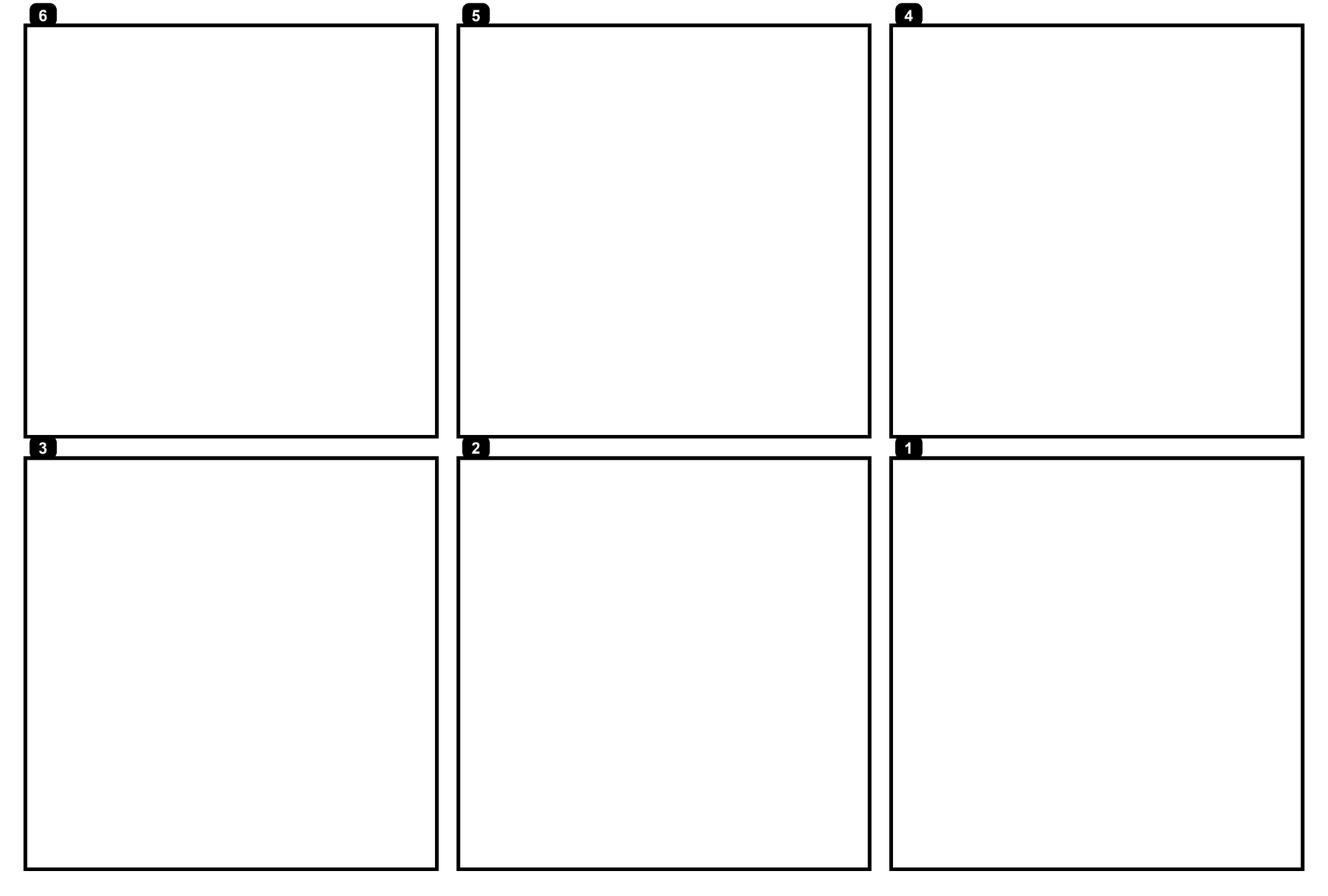
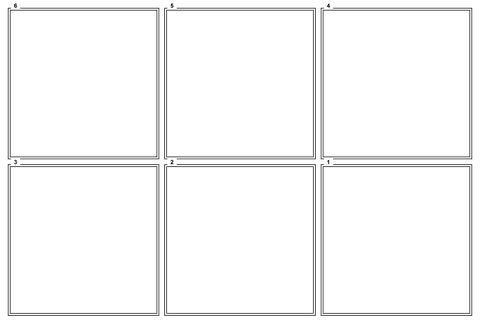
6 stickers · Black · Numbered transparent square frame overlay
6 stickers · Black · NumberedDownload PNG: 6 stickers · Black · Numbered
6 stickers · Black · Blank grid transparent square frame overlay
6 stickers · Black · Blank gridDownload PNG: 6 stickers · Black · Blank grid
6 stickers · White · Numbered transparent square frame overlay
6 stickers · White · NumberedDownload PNG: 6 stickers · White · Numbered
6 stickers · White · Blank grid transparent square frame overlay
6 stickers · White · Blank gridDownload PNG: 6 stickers · White · Blank grid
6 stickers · Pink · Numbered transparent square frame overlay
6 stickers · Pink · NumberedDownload PNG: 6 stickers · Pink · Numbered
6 stickers · Pink · Blank grid transparent square frame overlay
6 stickers · Pink · Blank gridDownload PNG: 6 stickers · Pink · Blank grid

9-sticker templates
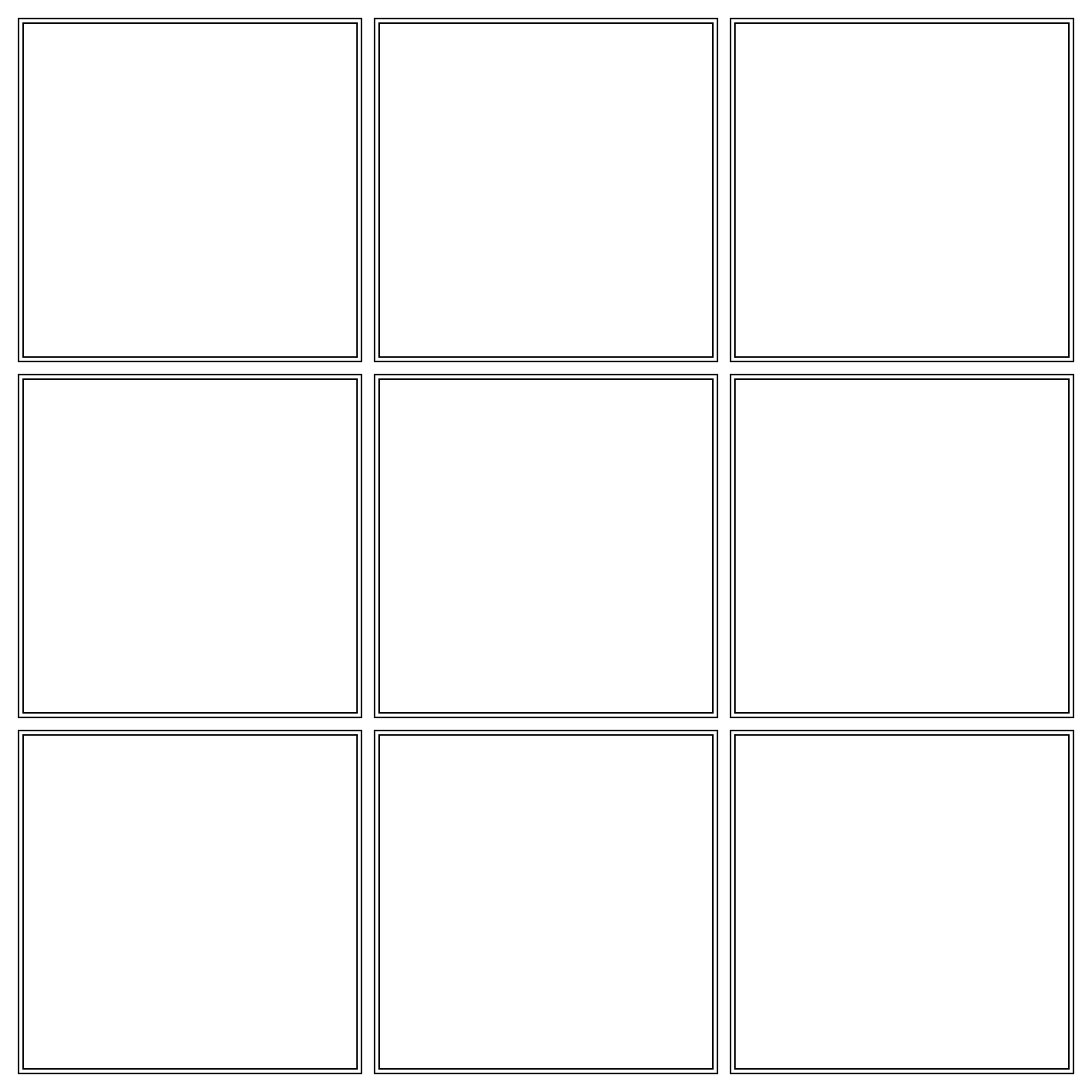
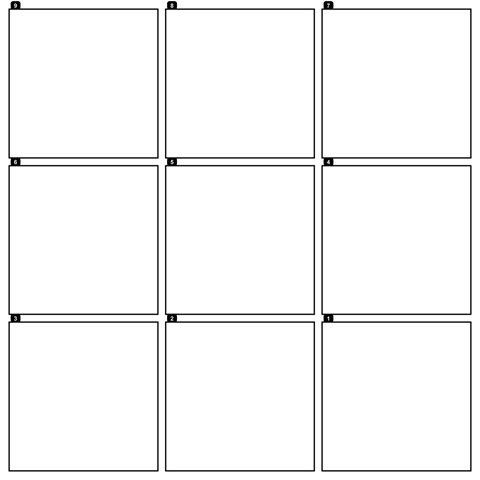
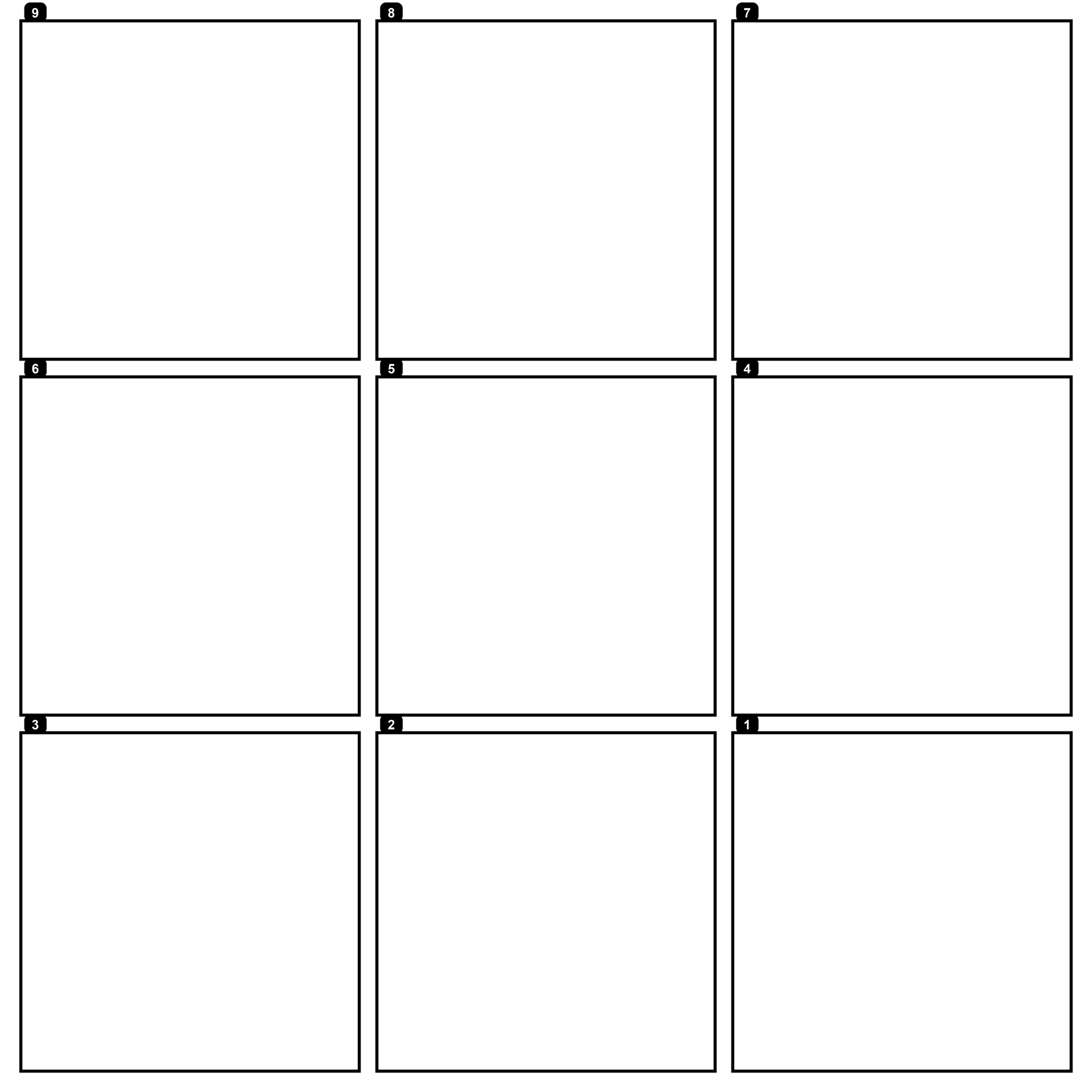
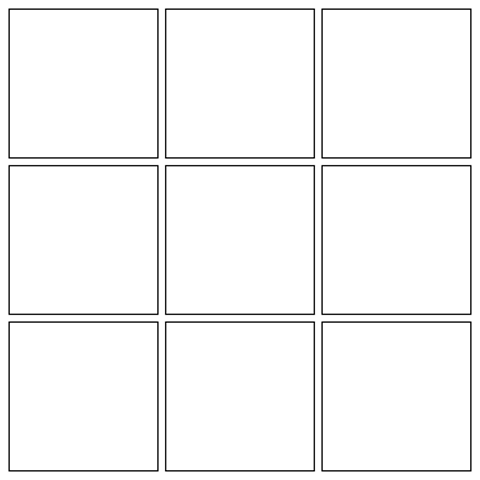
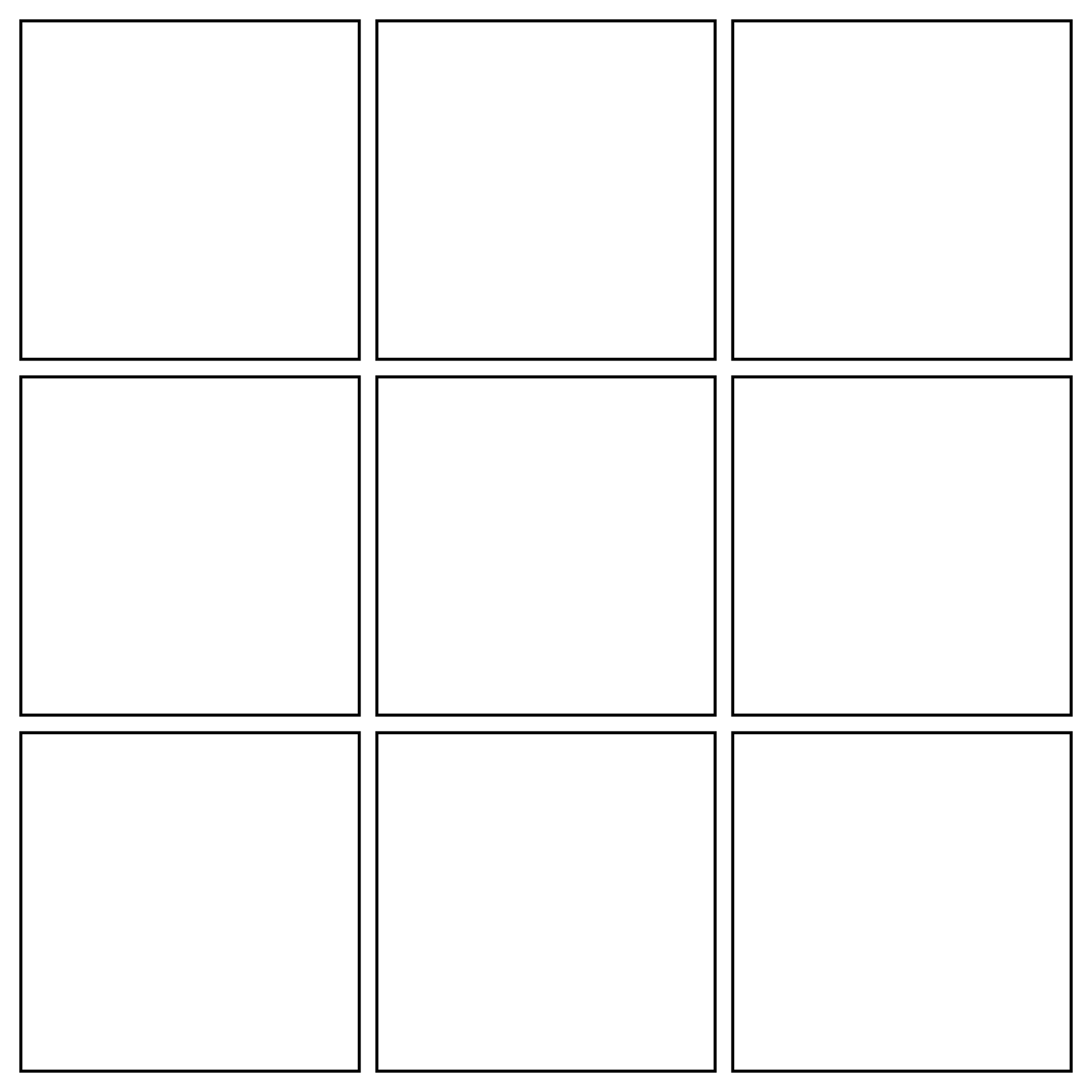
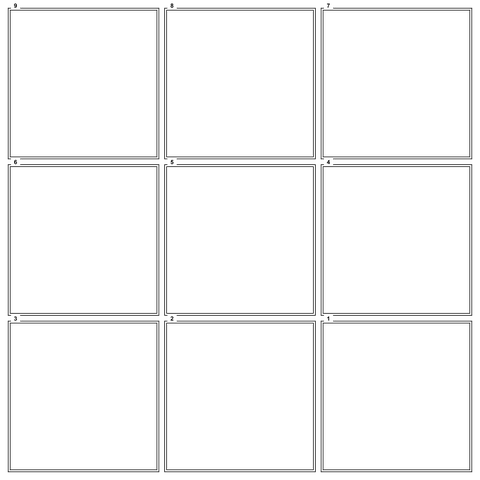
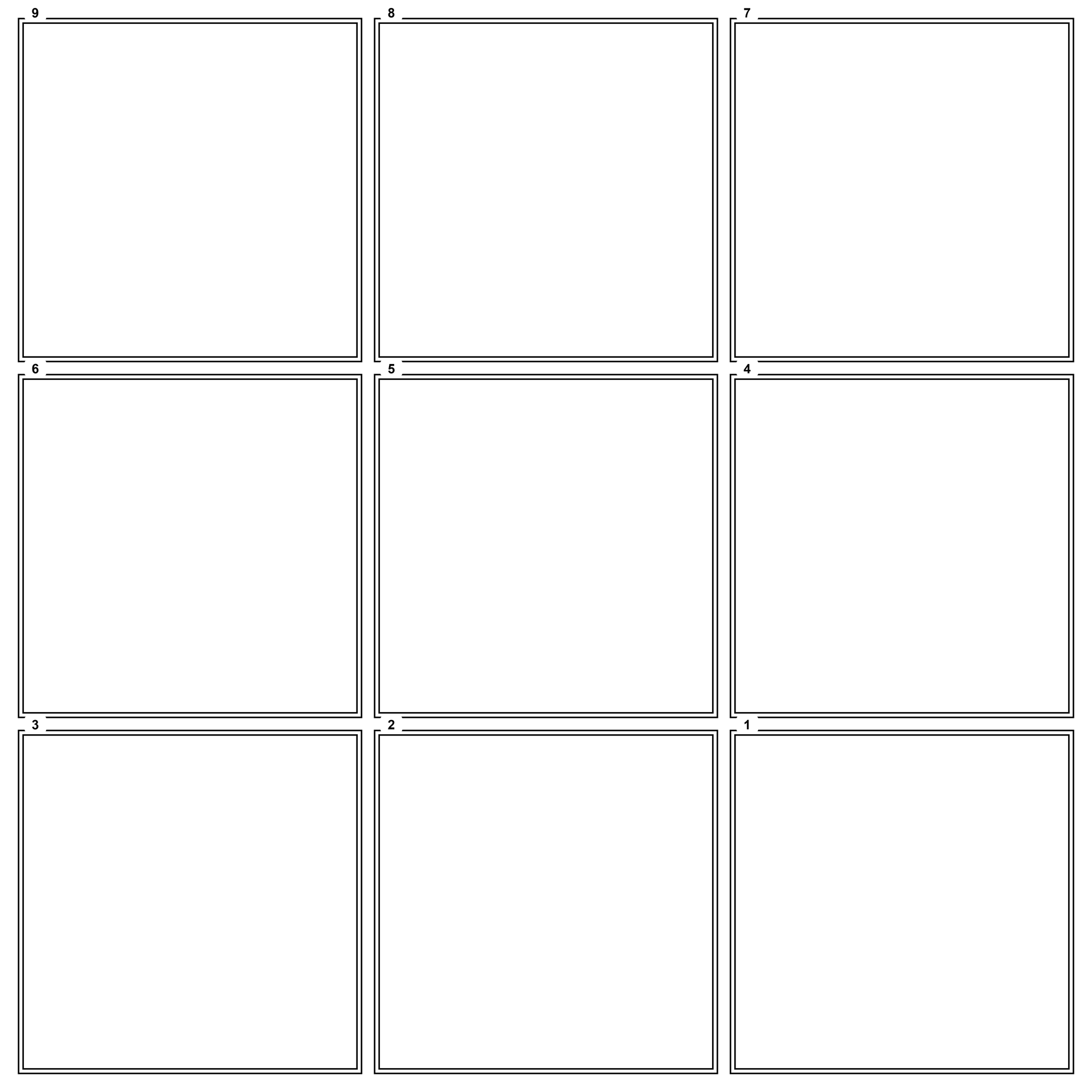
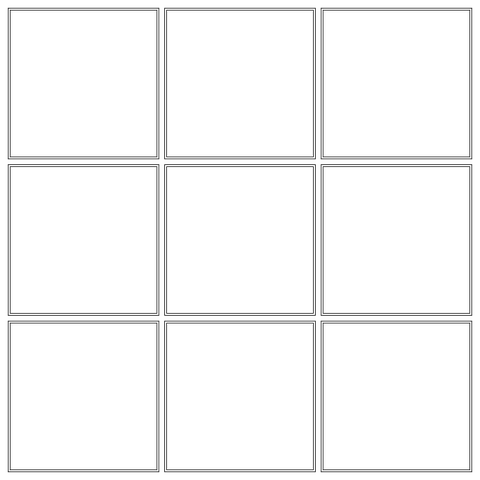
9 stickers · Black · Numbered transparent square frame overlay
9 stickers · Black · NumberedDownload PNG: 9 stickers · Black · Numbered
9 stickers · Black · Blank grid transparent square frame overlay
9 stickers · Black · Blank gridDownload PNG: 9 stickers · Black · Blank grid
9 stickers · White · Numbered transparent square frame overlay
9 stickers · White · NumberedDownload PNG: 9 stickers · White · Numbered
9 stickers · White · Blank grid transparent square frame overlay
9 stickers · White · Blank gridDownload PNG: 9 stickers · White · Blank grid
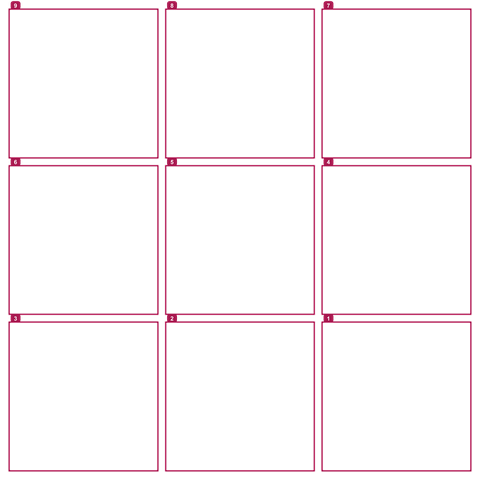
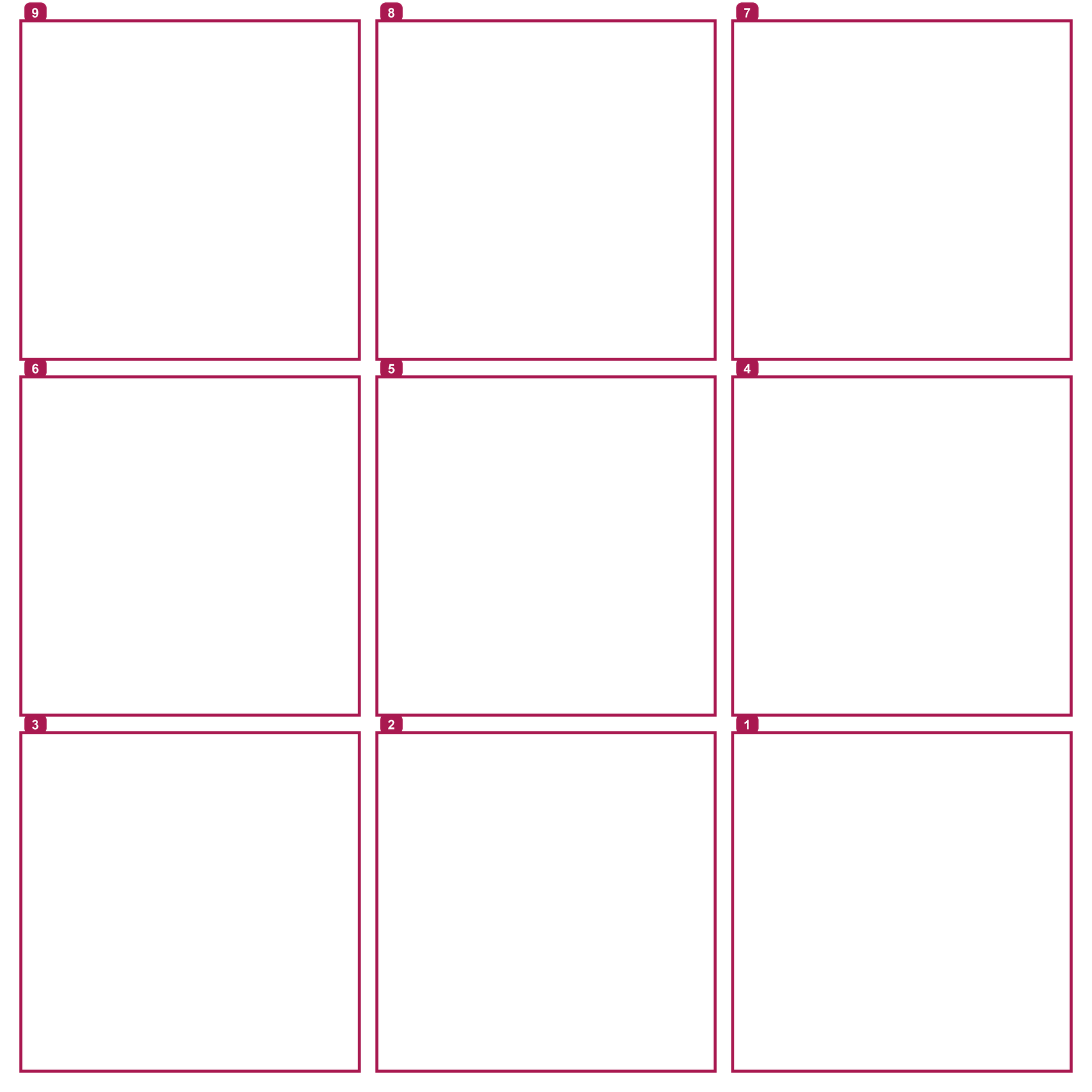
9 stickers · Pink · Numbered transparent square frame overlay
9 stickers · Pink · NumberedDownload PNG: 9 stickers · Pink · Numbered
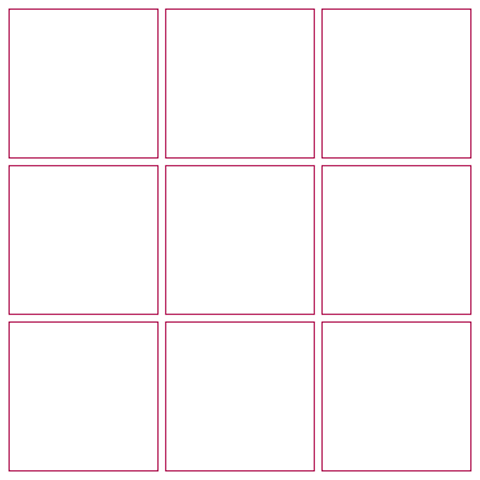
9 stickers · Pink · Blank grid transparent square frame overlay
9 stickers · Pink · Blank gridDownload PNG: 9 stickers · Pink · Blank grid

How to use a template

  1. Put your clip under the PNG overlay in any editor. Keep the overlay's proportions and line up your picture with the squares. Or skip templates and use the maker, which cuts the stickers for you.
  2. Export and post the result as a video on TikTok, then wait for Share · Create sticker to appear. A PNG or photo post alone is not the sticker-making workflow.
  3. Create stickers in numbered order, starting with 1 at the bottom-right. For each square, zoom until its guide line just disappears past the crop edges. Make the stickers public and finish in groups of 3.

The maker is easier: TikTok stickers are made from posted videos one at a time. A PNG overlay is only a framing guide, not a finished sticker banner. Pre-cut videos save you from manually zooming each crop, and help moving stickers stay aligned.

Using a blank grid? Follow the same bottom-right to top-left creation order. Read the full TikTok sticker guide or use the TikTok banner splitter to prepare the pieces.

Template questions

What is a sticker banner template?

A sticker banner template is a transparent PNG overlay with square crop guides. Place it over a clip to plan 3, 6 or 9 TikTok profile stickers that line up into one picture.

What size are the stickers?

The stickers are square. These overlay files are 1920 px wide, with gaps equal to 7.3% of a tile. The maker exports individual sticker videos at 720 x 720 pixels.

Why are there numbers?

The numbers show creation order, assuming newest stickers show first. Create 1, then 2, then 3 and continue in order. The bottom-right tile is 1. Blank grids have no numbers.

Can I use it in CapCut?

Yes. It is a PNG overlay you can place on top of a clip in CapCut or any editor that supports transparent PNG layers. Export the result as a video before posting it to TikTok.

Are the templates free?

Yes. All black, white and pink PNG templates and blank grids on this page are free to download, with no sign-up.

Make your sticker banner →